
Make a carousel / multi-angle shoot
Turn one strong image into a carousel people want to swipe through.
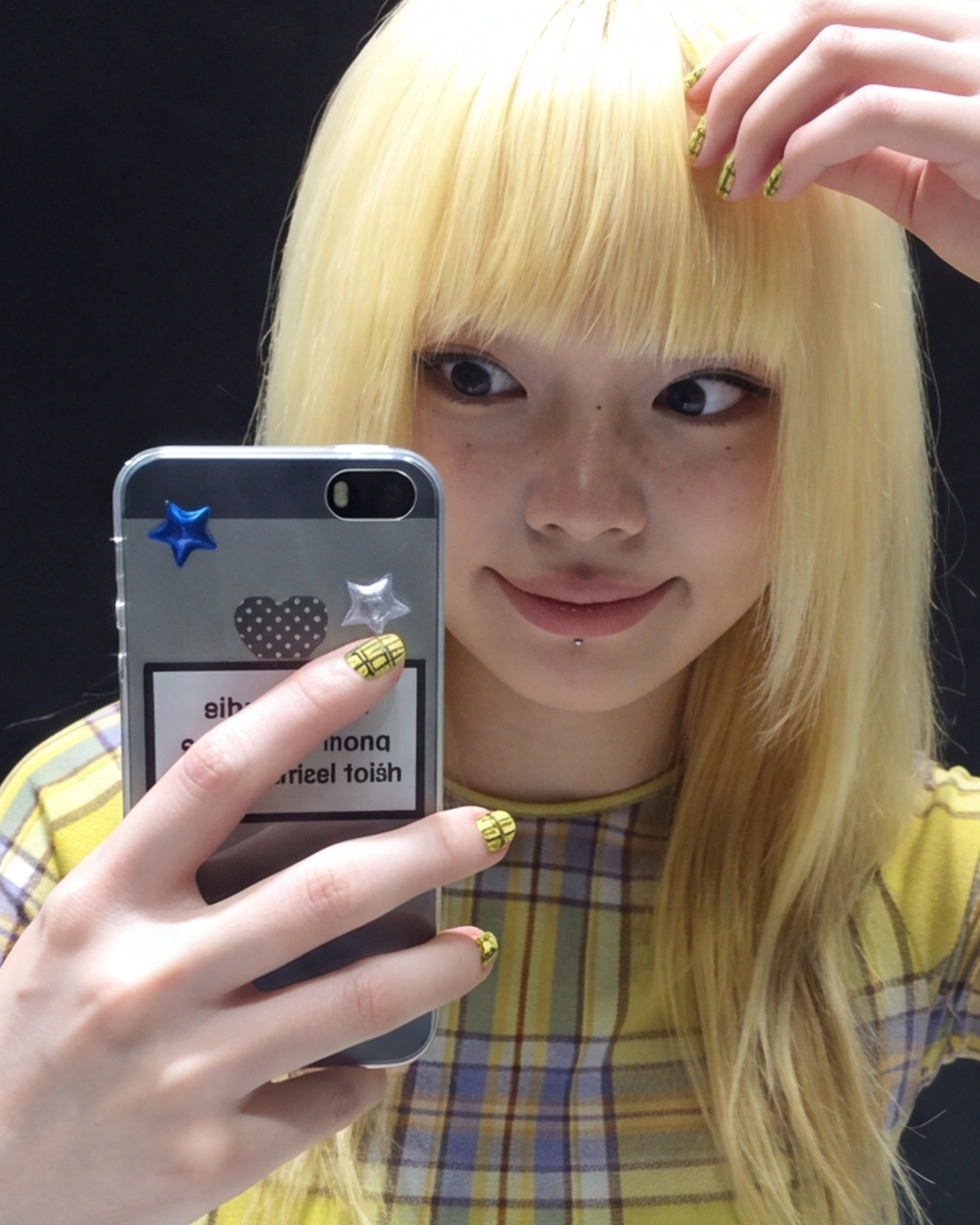
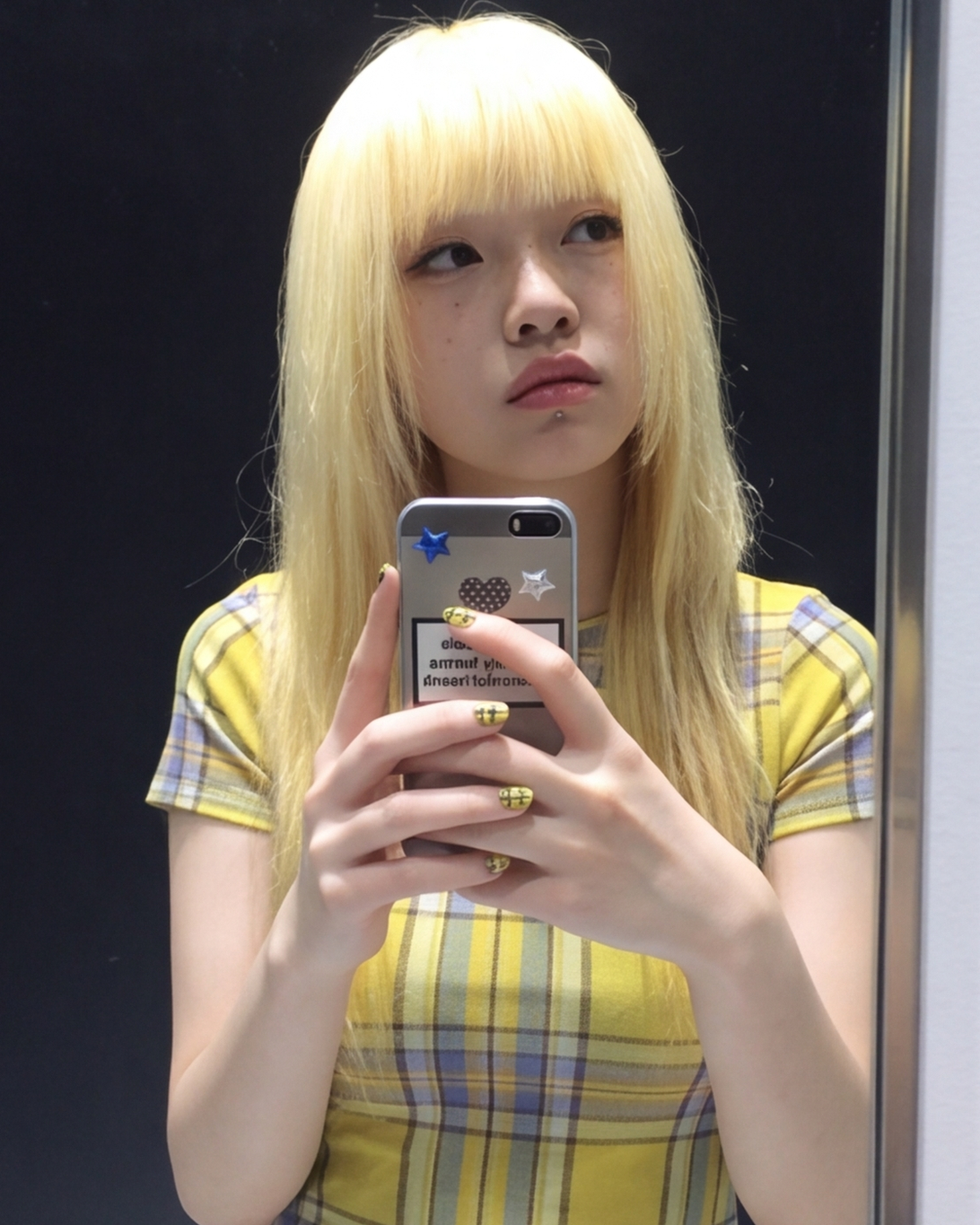
Carousels can earn more watch time and shares than a single image. Upload one strong post, choose the grid and format, then generate matching angles of the same person.
Do this in order
- 1.
Upload a reference photo
Choose a strong still with a clear face. Upload it, select it from Assets, or open it from Library.
Open Carousel ShotsReference photoDrop image here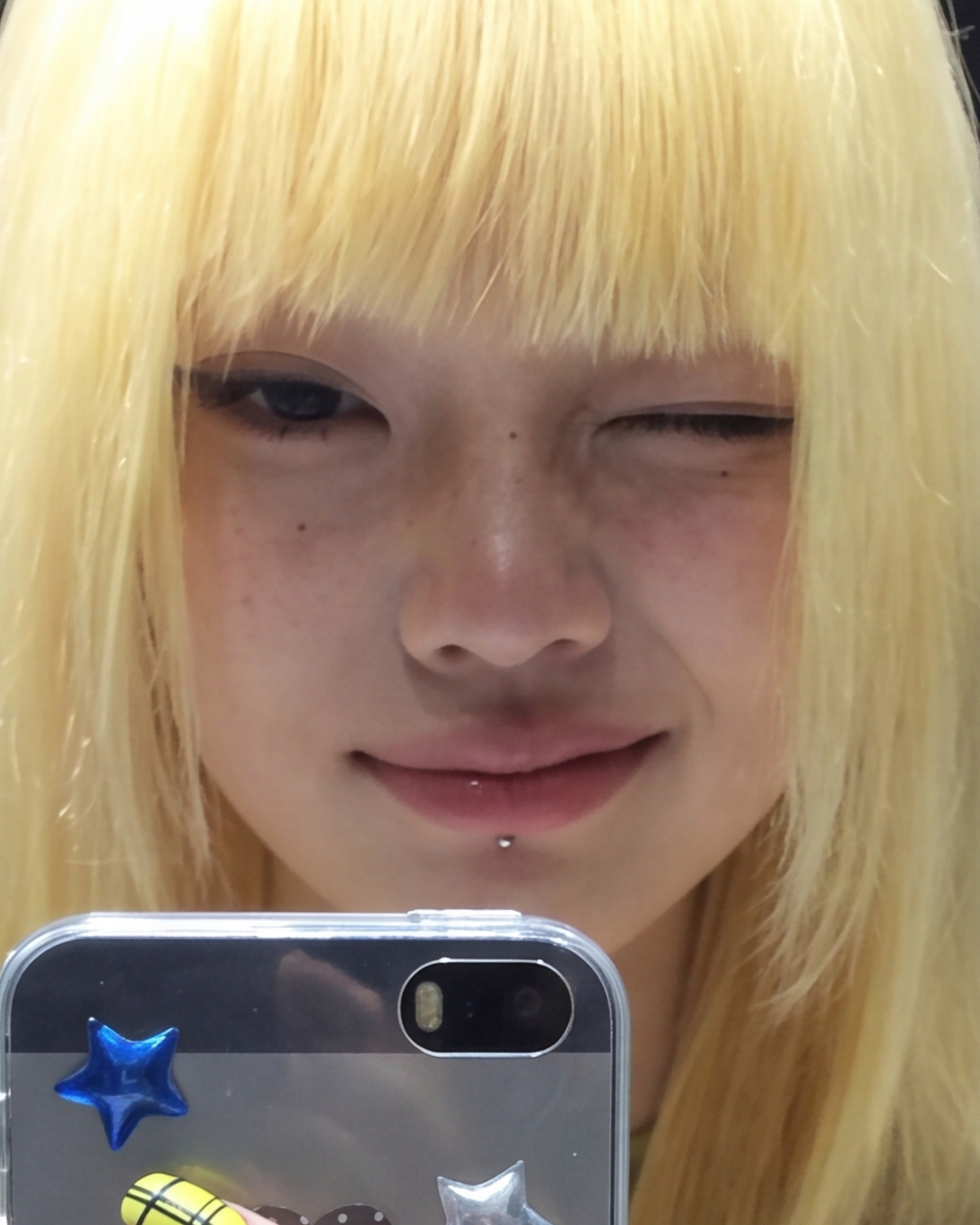
- 2.
Set grid, aspect, and variation
Pick 4 or 9 shots, a panel ratio (9:16 / 4:5 / 3:4), then Subtle / Natural / Creative. Choose the model last.
Grid size
4 shots9 shotsPanel aspect
9:164:53:4Variation
SubtleNaturalCreative - 3.
Generate the set
Hit Generate once. Your matching panels land in History. Upscale the best ones if you need sharper exports.
Open Carousel Shots
 Generate
Try it with your photo
Upload a reference still here and we’ll open Carousel Shots with it already loaded.
Reference photo
Upload one still. Keep the same face across every panel.
Next guide
More scale leversBuild a content system that keeps posting.Open guide